8 Clever Midjourney & DALL-E Image Prompting Hacks for Realistic Photos in the Future
If you have ever attempted to generate photorealistic images in Midjourney or DALL-E 3, you are likely familiar with the uncanny valley: glossy, waxy skin, impossibly perfect symmetry, hyper-vibrant saturation, and that dead-eyed CGI glare. The default inclination for beginners is to type adjectives like “photorealistic, hyper-detailed, 8K, cinematic,” but modern AI image models often treat those terms as buzzwords, pushing the output further toward artificial 3D renderings.
Professional visual creators don’t prompt for “realism.” They prompt for specific camera optics, physical lighting artifacts, film stocks, and authentic human imperfections. By speaking the language of a professional cinematographer or portrait photographer, you force generative diffusion models to replicate genuine optical physics rather than video game graphics.
Below are 8 battle-tested AI image prompting hacks that consistently produce authentic, editorial-grade photography across Midjourney v6 and DALL-E 3.
Quick Comparison: The 8 Prompting Hacks at a Glance
| Hack # | Prompt Element | What It Does | Example Prompt Fragment |
|---|---|---|---|
| 1 | Specific Focal Lengths & Apertures | Controls depth of field and natural bokeh | shot on 85mm f/1.8 lens, shallow depth of field |
| 2 | Vintage & Analog Film Stocks | Adds authentic color chemistry and subtle grain | Kodak Portra 400, muted natural tones, 35mm film |
| 3 | Imperfect Natural Lighting | Eliminates artificial high-contrast studio glare | overcast morning diffused window light, soft shadows |
| 4 | Authentic Human Micro-Details | Removes plastic airbrushed skin texture | subtle skin texture, visible pores, flyaway hair |
| 5 | Candid Angles & Environmental Chaos | Breaks stiff AI mannequin poses | candid street photography, motion blur, imperfect framing |
| 6 | Muted Color Grading Directives | Fixes harsh oversaturation | desaturated palette, Scandinavian color grading |
| 7 | Midjourney Style Tuning Parameters | Bypasses default artistic beautification | --style raw --stylize 50 |
| 8 | Negative Prompt Banishment | Blocks unwanted CGI and 3D artifacts | --no 3d render, CGI, plastic, airbrushed, oversaturated |
1. Specify Real Camera Lenses and Focal Lengths
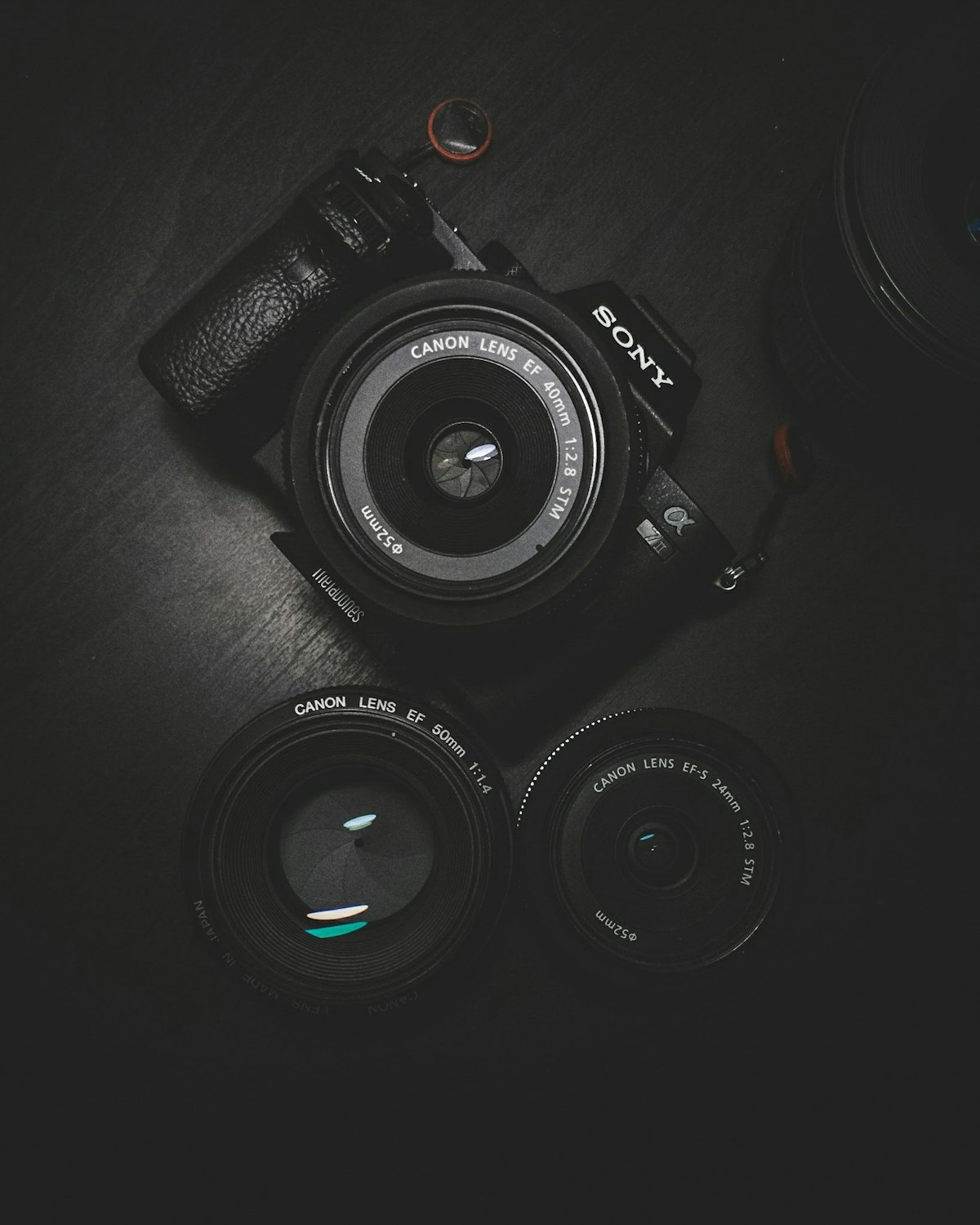
Diffusion models were trained on millions of real photographic metadata (EXIF) tags from photography archives. Instead of telling the model “make a close-up portrait,” tell it the exact glass you would use in a physical studio.
- For intimate, flattering portraits:
85mm prime lens, f/1.8 aperture, creamy background bokeh - For candid environmental storytelling:
35mm street photography lens, f/4 aperture, sharp foreground - For sweeping architectural drama:
24mm wide-angle lens, rectilinear perspective
Specifying f/1.8 automatically creates realistic optical background blur rather than artificial digital blurring.
2. Use Analog Film Stocks to Kill the Digital Look
Modern digital cameras produce clean, sharp images that can easily look sterile when rendered by AI. Adding a known analog film stock introduces subtle grain, organic color balance, and natural highlight rolloff that human eyes associate with real film cameras.
High-Impact Film Stocks to Test:
- Kodak Portra 400: The gold standard for warm, flattering skin tones and gentle pastel highlights.
- Fujifilm Pro 400H: Beautiful cool undertones, soft greens, and understated contrast.
- Ilford HP5 Plus: Timeless, gritty black-and-white documentary photography with rich midtones.
3. Describe Natural, Imperfect Lighting Conditions
Nothing gives away an AI image faster than dramatic, three-point studio lighting with neon rim highlights. Real life rarely looks like a Hollywood blockbuster poster.
Command the model to use mundane, atmospheric lighting: “morning light through sheer curtains,” “overcast drizzly afternoon light,” “harsh overhead fluorescent office bulbs,” or “golden hour backlit with lens flare.” Notice how changing the light fundamentally alters the credibility of the entire scene.
4. Prompt for Micro-Imperfections (The Anti-Plastic Hack)
AI image generators naturally tend toward flawless aesthetic averages: porcelain skin, perfectly aligned white teeth, and symmetrical features. To make human subjects feel authentic, you must explicitly demand natural texture.
Texture Modifiers:
"Authentic candid portrait, subtle skin imperfections, visible pores, slight crow's feet around the eyes, natural flyaway strands of hair, unposed expression, shot on Kodak 35mm."
Specifying “unposed expression” or “mid-laugh candid” prevents subjects from staring directly into the lens with that recognizable blank AI gaze.
5. Use Candid Angles and Asymmetrical Framing
Default generative models place the subject dead-center, resulting in stiff, artificial compositions. Incorporate compositional instructions used by photojournalists:
off-center composition, rule of thirds, subject on the left third looking righttaken from hip level, candid street photography angle, motion blur in passing background trafficover-the-shoulder perspective, shallow depth of field, documentary style
6. Demand Muted, Desaturated Color Grading
DALL-E 3 and Midjourney default to hyper-saturated palettes: blues are electric, reds are neon, and greens look radioactive. To get editorial-grade results, cool down the color temperature directly in the prompt.
Color Directives:
"Editorial magazine style, desaturated color palette, muted earthy tones, low contrast, natural highlights without blown-out whites, Scandinavian minimalist color grading."
7. Lower Midjourney’s Stylize Parameter (–s 50) and Use Raw Style
By default, Midjourney applies heavy aesthetic opinion (default --stylize 100). When you want photographic realism, this artistic flair works against you by smoothing textures and dramatizing colors.
- Use
--style raw: Disables Midjourney’s built-in aesthetic bias and follows your prompt words much more literally. - Dial back stylize: Append
--s 50or--s 75to give you grounded realism instead of cinematic fantasy. - Set aspect ratio early: Use
--ar 16:9for landscape or--ar 4:5for Instagram portraits; square 1:1 images often look more like profile badges than real photographs.
8. Deploy a Negative Prompt Guardrail
Tell the model what to actively avoid. While DALL-E handles negative concepts conversationally, Midjourney supports the dedicated --no flag.
Midjourney Negative Flag:
--no CGI, 3D render, cartoon, illustration, oversaturated, plastic skin, airbrush, extra fingers, studio background, flawless symmetry
Putting It All Together: A Master Realistic Prompt Template
Here is an example combining all 8 principles into a single prompt you can adapt for your own projects:
"Candid editorial portrait of a 42-year-old female software engineer laughing with colleagues in a bustling Berlin cafe, natural overcast window light from the left, subtle skin texture, visible pores, unposed candid expression, shot on 35mm lens at f/2.8, Kodak Portra 400 film stock, muted earthy tones, shallow depth of field --ar 16:9 --style raw --s 75 --no 3D render, plastic, CGI, oversaturated"
For more creative artificial intelligence workflows, explore our tutorials on How to Create AI Images for Social Media and our guide to Best AI Design Tools for Content Creators.