Best AI Tools to Generate Video from Text or Audio: Free and Paid Options Compared
A few years ago, turning an idea into a finished video meant a camera, editing software, hours of work, and usually some skill you did not have.Now you can type a sentence, or upload an audio clip, and watch an AI generate a complete video visuals, motion, sometimes even a voiceover and captions in a matter of minutes. This shift is enormous for content creators, marketers, educators, and small business owners who need video content but do not have a production budget or a video editing background.
This guide breaks down the best AI tools to generate video from text or audio, what each one is actually good at, and which ones are worth your money versus which free options are good enough to start with today.
The Two Categories of AI Video Tools
Before comparing specific tools, it helps to understand that “AI video generation” actually covers two distinct categories:
| Category | What It Does | Examples |
|---|---|---|
| Text-to-video (AI-generated visuals) | AI creates entirely new video footage or animation from a written prompt no real footage or actors involved | Runway, Pika, Sora, Luma |
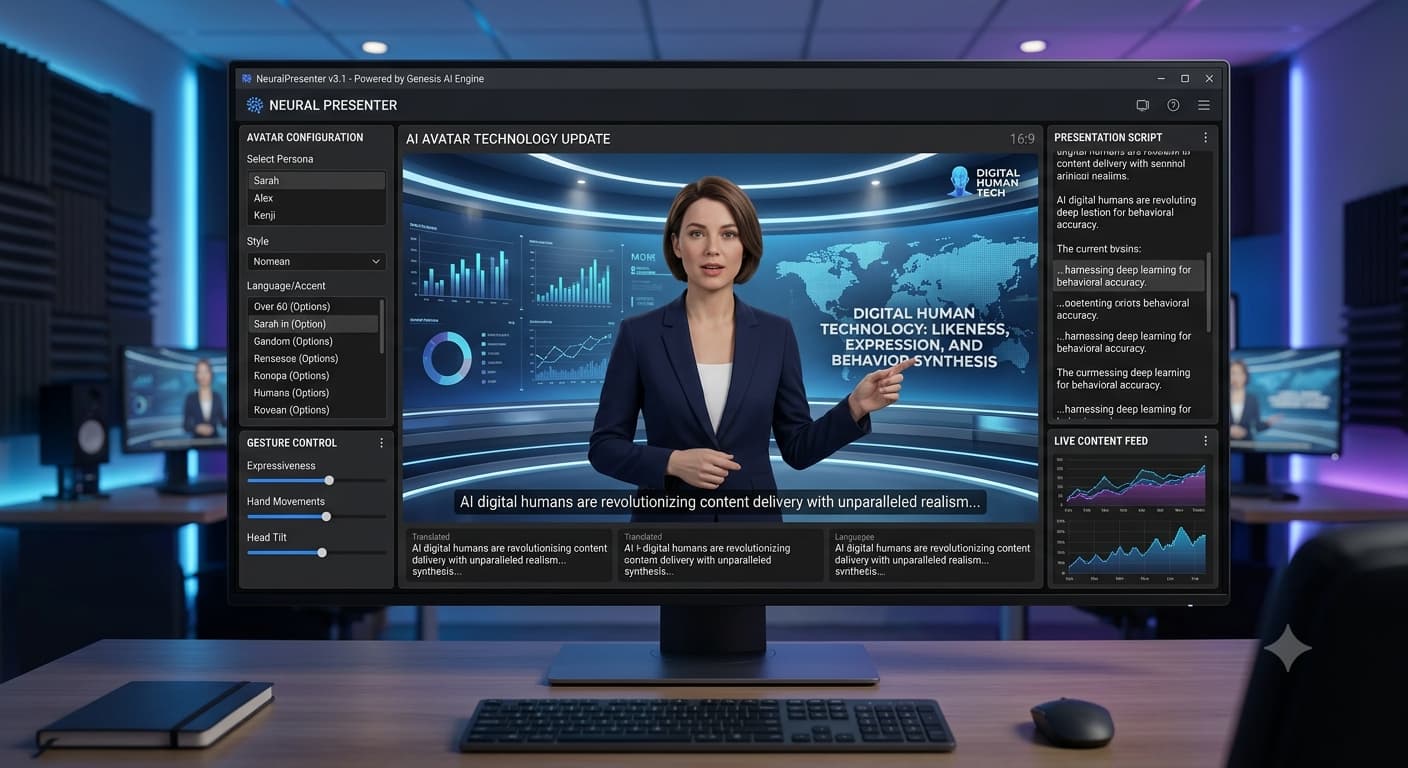
| Text/audio-to-video (avatar & template based) | AI turns a script or audio into a video using a digital presenter, stock footage, or animated templates | Synthesia, InVideo, Pictory, HeyGen |
Both are useful, but for very different purposes. The first category is closer to AI filmmaking. The second is closer to automated video production for business and marketing. Most people looking for practical content explainer videos, social clips, course content want the second category.
Best Free AI Video Generation Tools
1. CapCut (capcut.com)
Type: Audio/text-to-video, editing-focused
Free tier: Yes, very generous
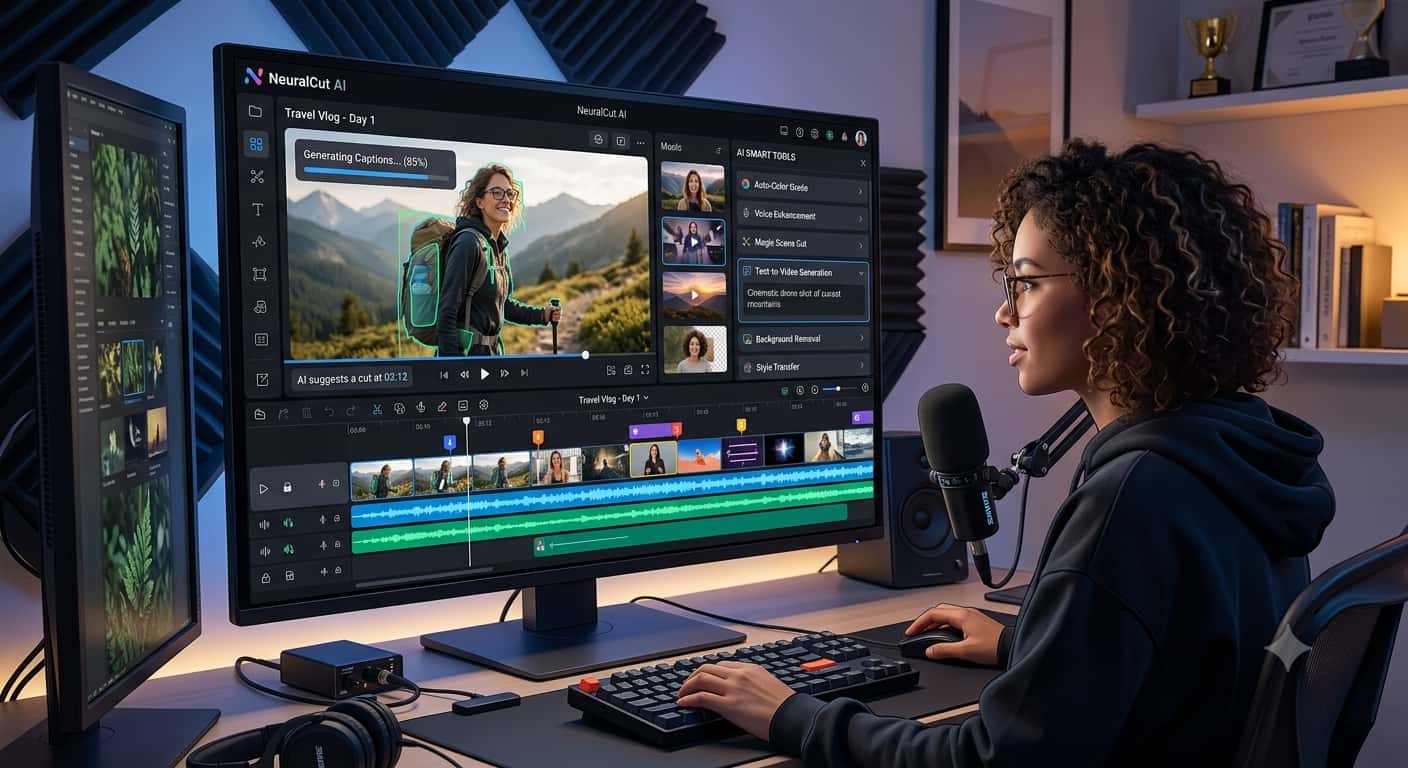
CapCut is one of the most capable free tools available, originally built for short-form video editing but now packed with AI features auto-captions, AI voice generation, background removal, and a text-to-video feature that builds a rough video from a script automatically.
Best for: Social media content, especially short-form video for Instagram Reels, TikTok, and YouTube Shorts.
2. Canva (canva.com)
Type: Template-based text-to-video
Free tier: Yes, with watermark-free exports on the free plan for most templates
Canva’s video tool lets you type or paste a script and it suggests matching stock footage, transitions, and text overlays automatically. It is not as flexible as dedicated video AI tools, but it is by far the easiest to use for someone with zero video experience.
Best for: Quick marketing videos, social posts, and simple presentations.
3. Pictory (pictory.ai)
Type: Text/script-to-video
Free tier: Limited free trial, then paid
Pictory takes a blog post, script, or even a long-form video and automatically converts it into a short, edited video with matching stock footage, captions, and music. It is particularly good at repurposing existing written content into video.
Best for: Turning blog posts or articles into short videos for social media.
4. Lumen5 (lumen5.com)
Type: Text-to-video, marketing-focused
Free tier: Yes, limited exports per month
Lumen5 was built specifically for turning written content articles, blog posts into video summaries. It automatically picks relevant stock clips and images to match your text.
Best for: Marketers and bloggers wanting a fast way to promote written content as video.
5. Clipchamp (clipchamp.com)
Type: General video editor with AI features
Free tier: Yes, built into Windows for many users
Microsoft’s Clipchamp includes AI-powered features like auto-captions, background removal, and text-to-speech narration. Since it comes free with many Windows installations, it is an easy starting point with no new account needed for some users.
Best for: Quick edits and narration without installing new software.
Best Paid AI Video Generation Tools
1. Synthesia (synthesia.io)
Type: Text-to-video with AI avatars
Pricing: Paid plans only, no permanent free tier (limited trial available)
Synthesia is the industry standard for AI avatar videos. Type a script, choose from over 140 realistic AI presenters, select a language (it supports well over 120), and Synthesia generates a complete video of that avatar speaking your script with natural lip-sync.
Best for: Corporate training videos, product explainers, and multilingual content at scale this is the most professional option for talking-head style videos.
2. HeyGen (heygen.com)
Type: Text/audio-to-video with AI avatars
Pricing: Free trial available, paid plans for full features
HeyGen is a strong Synthesia alternative, known for particularly realistic avatar lip-sync and the ability to clone your own voice and likeness into an AI avatar (with consent-based verification). It also supports translating an existing video into another language while keeping the speaker’s lip movements synced.
Best for: Creating a personal AI avatar of yourself for scalable video content, or translating existing videos into multiple languages.
3. InVideo (invideo.io)
Type: Text-to-video with templates and AI scripting
Pricing: Free trial, paid plans for full export quality
InVideo combines an AI script generator with thousands of templates you describe what you want, and it drafts a script and matching video automatically, which you can then customise.
Best for: Marketers and YouTubers who want a complete video built from a simple topic description, then refined further.
4. Runway (runwayml.com)
Type: Text-to-video, AI-generated visuals
Pricing: Free limited credits, paid plans for more generation time
Runway is one of the leading tools for genuinely AI-generated video footage type a description and it generates short video clips that did not exist before, rather than assembling stock footage. The quality and realism of AI-generated motion has improved dramatically.
Best for: Creative projects, concept visualisation, and short cinematic clips where you need footage that simply does not exist anywhere else.
5. Pika (pika.art)
Type: Text-to-video, AI-generated visuals
Pricing: Free limited generations, paid plans for higher volume and quality
Pika is a strong alternative to Runway, focused on ease of use for generating short AI video clips from text prompts, with features for extending, modifying, and animating existing images into video.
Best for: Creators experimenting with AI-generated visual content for social media or creative projects.
6. Descript (descript.com)
Type: Audio/video editing with AI features
Pricing: Free tier available, paid plans for advanced AI tools
Descript edits video by editing a text transcript delete a word in the transcript, and it removes that word from the video automatically. It also includes an “Overdub” feature that can generate speech in a cloned version of your own voice from text.
Best for: Podcasters and video creators who want to edit by editing text rather than a timeline.
Quick Comparison Table
| Tool | Type | Free Option | Best For |
|---|---|---|---|
| CapCut | Editing + text-to-video | Yes, generous | Short-form social video |
| Canva | Template-based | Yes | Beginners, quick marketing videos |
| Pictory | Script-to-video | Trial only | Repurposing blog content to video |
| Lumen5 | Text-to-video | Yes, limited | Turning articles into video summaries |
| Clipchamp | General editor + AI | Yes | Quick edits, built into Windows |
| Synthesia | AI avatar | Trial only | Professional training & explainer videos |
| HeyGen | AI avatar | Trial available | Personal AI avatar, video translation |
| InVideo | Template + AI script | Trial available | Full video from a topic description |
| Runway | AI-generated visuals | Limited free credits | Original AI-generated footage |
| Pika | AI-generated visuals | Limited free credits | Creative short AI video clips |
| Descript | Text-based editing | Yes, limited | Podcast and video editing by transcript |
How to Choose the Right Tool for You
Use this simple decision guide:
| What You Need | Recommended Tool |
|---|---|
| Turn a blog post into a quick video | Pictory or Lumen5 |
| Create a talking-head explainer video without filming yourself | Synthesia or HeyGen |
| Make short, trendy social media clips | CapCut |
| Generate completely original AI video footage | Runway or Pika |
| Edit a podcast or video by editing text | Descript |
| Build a complete video from just a topic idea | InVideo |
| Quick, simple marketing video with no learning curve | Canva |
Step-by-Step: Creating Your First AI Video (Using a Free Tool)
To make this practical, here is a simple workflow using Canva a tool almost anyone can start with immediately:
- Go to canva.com and create a free account
- Click Create a Design and select Video
- Look for the Text to Video option, or start from a video template matching your topic
- Paste in your script, or type a short description of what the video should be about
- Canva will suggest matching stock clips, music, and text overlays automatically
- Adjust the pacing, swap any clips you do not like, and add your own branding (logo, colours)
- Add captions using the built-in auto-caption feature this significantly increases watch time on social media
- Export and download free plan exports are watermark-free for most templates
This entire process typically takes 15-20 minutes for a simple one-minute video, compared to hours using traditional editing software.
A Note on Quality and Realism
AI-generated video has improved dramatically, but it is worth setting realistic expectations:
- Avatar tools (Synthesia, HeyGen) produce highly realistic, professional results today these are genuinely ready for business use
- Generative tools (Runway, Pika) produce impressive but still occasionally imperfect results expect to generate multiple versions to get a clip you are happy with
- Template-based tools (Canva, InVideo, Pictory) are not really “AI video” in the generative sense they are AI-assisted editing, which is actually more reliable for most practical business needs
💡 If your goal is reliable, professional output for marketing or business, lean toward avatar and template-based tools. If your goal is creative experimentation and original visuals, the generative tools are where the most exciting (and unpredictable) results are happening right now.
The Bottom Line
AI has made video content creation accessible to anyone, regardless of budget or editing skill. You no longer need a camera, an editing background, or a production team to put out professional-looking video content consistently.
Start with a free tool Canva or CapCut are the easiest entry points and get comfortable with the basic workflow of script to video. Once you understand what you actually need more of, whether that is a realistic AI presenter, original generated footage, or faster editing, you will know exactly which paid tool is worth the investment.
The creators and businesses publishing consistent video content right now are not necessarily the most skilled editors. They are the ones who found the right AI tool for their specific need and started using it.