
Best Free AI Tools for Content Optimization
Writing content is only half the job. The other half the part most creators skip is optimisation. Making sure the content is structured for search engines, easy to read, free of grammar mistakes, and actually targeting the keywords people are searching for. Most of the tools that used to handle this properly were locked behind expensive subscriptions aimed at large marketing teams. That has changed. AI has made genuinely capable content optimisation tools available for free, or with free tiers generous enough to run an entire blog on.
This guide covers the best free AI tools for content optimisation, broken down by exactly what each one helps with so you are not paying for features you do not need.
The 5 Areas of Content Optimization
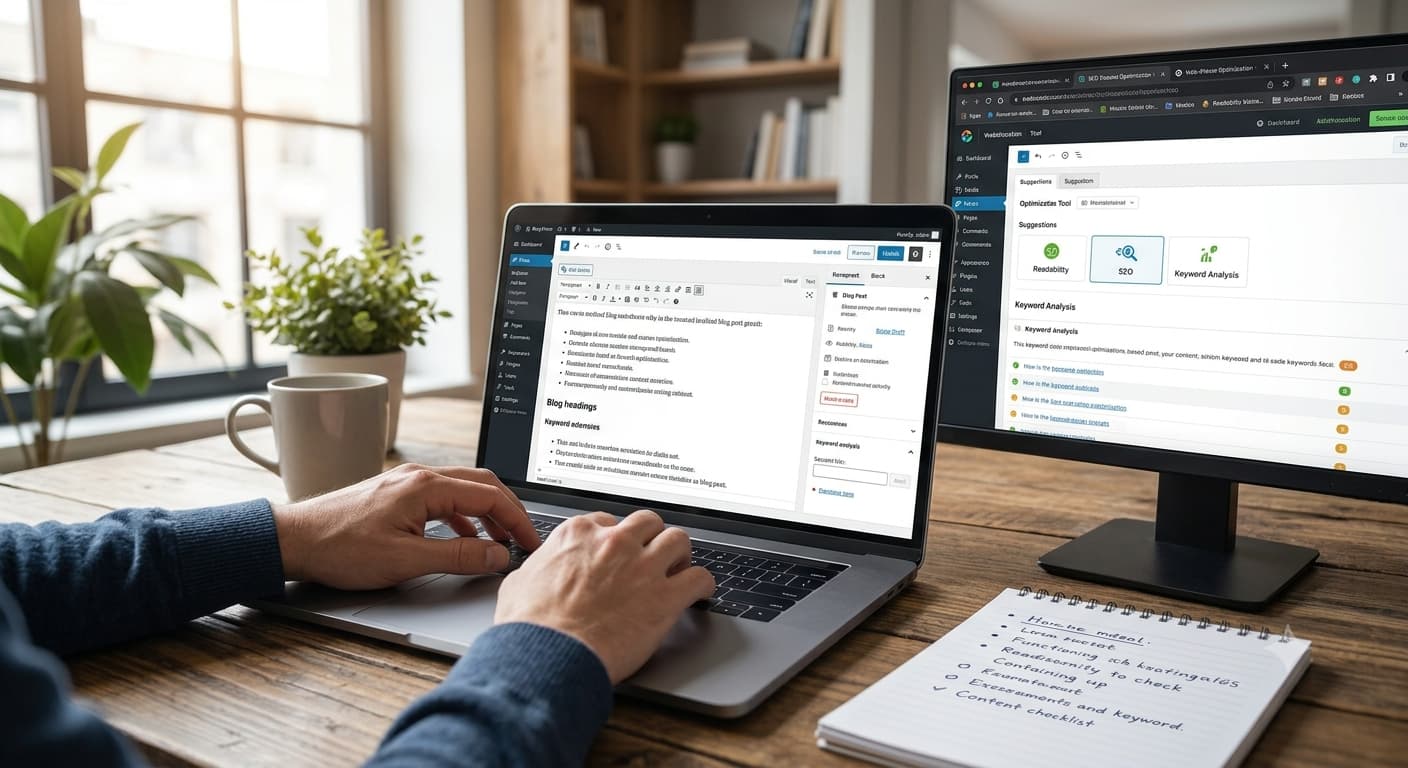
Before listing tools, it helps to understand that “content optimisation” is really five separate jobs:
| Area | What It Improves |
|---|---|
| SEO structure | Headings, keyword placement, meta descriptions, internal linking |
| Readability | Sentence length, clarity, flow, reading level |
| Grammar & clarity | Spelling, grammar, awkward phrasing, tone consistency |
| Keyword research | Finding what people are actually searching for |
| Content gaps & competition | Understanding what top-ranking content already covers |
Most tools below specialise in one or two of these areas. A complete optimisation workflow usually combines two or three tools together.
Best Free AI Tools for SEO Structure
1. Yoast SEO (yoast.com)
Free tier: Yes, the core plugin is fully free for WordPress
Yoast remains the most widely used SEO plugin for WordPress, and its free version already includes AI-assisted suggestions for readability, keyword placement, meta description length, and internal linking opportunities directly inside your WordPress editor.
Best for: WordPress site owners who want real-time, on-page SEO guidance as they write, without leaving the editor.
2. Surfer SEO (surferseo.com) Free Tools Section
Free tier: Free SEO checker and limited free tools, full platform is paid
While Surfer’s main product is paid, their free tools section includes a content editor preview and keyword density checker that gives a useful taste of how AI-driven content scoring works before committing to a subscription.
Best for: Getting a sense of how your content compares to top-ranking pages for a target keyword, without paying upfront.
3. Google Search Console (search.google.com/search-console)
Free tier: Completely free, no paid tier exists
Not an AI writing tool in the traditional sense, but Google’s own AI-driven insights into which queries are already bringing traffic to your content and where you are ranking on page 2 instead of page 1 are essential for knowing what to optimise next.
Best for: Understanding exactly which existing content needs optimisation based on real search performance data.
Best Free AI Tools for Readability
4. Hemingway App (hemingwayapp.com)
Free tier: Yes, fully free for the web version
Hemingway App highlights overly complex sentences, excessive adverbs, and passive voice, then gives your content a straightforward readability grade. It is fast, simple, and requires no account to use.
Best for: A quick readability check before publishing paste your draft in and clean up anything flagged in under five minutes.
5. Grammarly (grammarly.com)
Free tier: Yes, generous free plan covering grammar, spelling, and basic clarity suggestions
Grammarly’s free plan goes well beyond spell-check its AI flags awkward phrasing, run-on sentences, and tone inconsistencies as you type, directly in your browser, Google Docs, or word processor.
Best for: Catching grammar and clarity issues in real time while writing, rather than after the fact.
6. ChatGPT (chat.openai.com)
Free tier: Yes, free tier available with usage limits
Beyond grammar checking, ChatGPT’s free tier is genuinely useful for readability optimisation when you give it the right prompt asking it to simplify a paragraph, shorten a sentence, or rewrite something at a specific reading level.
Practical example prompt:
“Rewrite this paragraph to be clearer and easier to read for a general audience, keeping the same meaning: [paste your paragraph]”
Best for: Rewriting specific sections that feel clunky, rather than checking an entire article at once.

Best Free AI Tools for Keyword Research
7. Google Keyword Planner (ads.google.com/keywordplanner)
Free tier: Free with a Google Ads account, no spending required to access data
Despite being built for advertisers, Keyword Planner remains one of the most accurate free sources of real search volume data, since it pulls directly from Google’s own search data.
Best for: Getting genuine search volume numbers, not estimates, completely free.
8. AnswerThePublic (answerthepublic.com)
Free tier: Limited free searches per day
AnswerThePublic visualises real questions people type into search engines around a keyword, organised by who, what, why, and how. It is particularly good for finding content angles you would not think of on your own.
Best for: Discovering the actual questions your audience is asking, to shape your content structure and headings.
9. Ubersuggest (neilpatel.com/ubersuggest)
Free tier: Limited free daily searches
Ubersuggest provides keyword suggestions, search volume, competition scores, and content ideas based on a single seed keyword, with a usable free daily allowance.
Best for: A quick keyword brainstorm with basic competition data, without needing a paid SEO suite.
Best Free AI Tools for Content Gap Analysis
10. ChatGPT / Claude (for Competitor Analysis)
Free tier: Yes, free tiers available on both
While not built specifically for SEO, both ChatGPT and Claude can be prompted to analyse what a top-ranking article likely covers based on its outline, helping you spot gaps in your own draft.
Practical example prompt:
“Here are the headings from 3 articles currently ranking for ‘[your keyword]’: [paste headings]. Based on these, what subtopics am I likely missing from my own draft on the same topic?”
Best for: A fast, free way to sanity-check whether your content covers what competing top-ranking pages already cover.
11. AlsoAsked (alsoasked.com)
Free tier: Limited free searches
AlsoAsked maps out the “People Also Ask” question chains from Google, showing related questions and follow-up questions in a visual tree useful for understanding the fuller scope of what searchers actually want answered.
Best for: Building a more comprehensive content outline that anticipates follow-up questions, not just the main query.
Quick Comparison Table
| Tool | Category | Free Tier | Best For |
|---|---|---|---|
| Yoast SEO | SEO structure | Full plugin free | Real-time on-page SEO in WordPress |
| Surfer SEO | SEO structure | Limited free tools | Comparing content to top-ranking pages |
| Google Search Console | SEO structure | Fully free | Finding existing content to optimise |
| Hemingway App | Readability | Fully free | Quick readability check |
| Grammarly | Readability | Generous free plan | Real-time grammar and clarity |
| ChatGPT | Readability + gaps | Free tier with limits | Rewriting and competitor gap analysis |
| Google Keyword Planner | Keyword research | Free with account | Real search volume data |
| AnswerThePublic | Keyword research | Limited free searches | Finding real audience questions |
| Ubersuggest | Keyword research | Limited free searches | Quick keyword brainstorm |
| AlsoAsked | Content gaps | Limited free searches | Mapping related question chains |
A Practical Free Optimization Workflow
Here is how to combine these tools into one workflow for a single blog post, start to finish:
- Research the keyword use Google Keyword Planner to confirm real search volume, then AnswerThePublic to find related questions to answer in your post
- Outline with gaps in mind ask ChatGPT to review top-ranking competitor headings and flag what you might be missing
- Write your draft using your normal writing process or AI assistance
- Check readability paste the draft into Hemingway App and simplify anything flagged
- Check grammar and clarity run it through Grammarly’s free checker
- Optimise on-page SEO if on WordPress, let Yoast guide your headings, keyword placement, and meta description
- Track performance after publishing use Google Search Console weekly to see what is working and what needs a follow-up optimisation pass
This entire workflow costs nothing and takes most of these tools under 10 minutes each to run.
When It Makes Sense to Upgrade to Paid Tools
Free tools are genuinely capable, but there is a point where paid tools become worth the cost:
- You are managing content for multiple sites or clients and need to save time at scale
- You need deeper competitor analysis than free keyword tools provide
- You want automated content scoring against live search results, which usually requires a paid SEO suite like Surfer or Clearscope
- Your content volume is high enough that manual use of free tools becomes a bottleneck
For a single blog, a solo creator, or a small business just starting out, the free stack above is genuinely enough to compete.
The Bottom Line
Content optimisation used to require either expensive software or a dedicated SEO specialist. AI has closed that gap significantly the free tools available right now cover SEO structure, readability, grammar, keyword research, and content gap analysis without costing anything.
Start by adding one tool at a time into your existing writing process rather than trying to use all of them on your very first post. Once each step feels natural, the entire workflow takes only a little extra time and consistently produces content that both reads better and ranks better.